01
Fluid
GSAP-driven animation that feels effortless: reveals that arrive with the reading, never ahead of it.
01 / Selected work
Index 10 / 19
Front-end Development · 2025 · Self-powered microcontrollers, Norway
View live site02 — Why it existed
Context
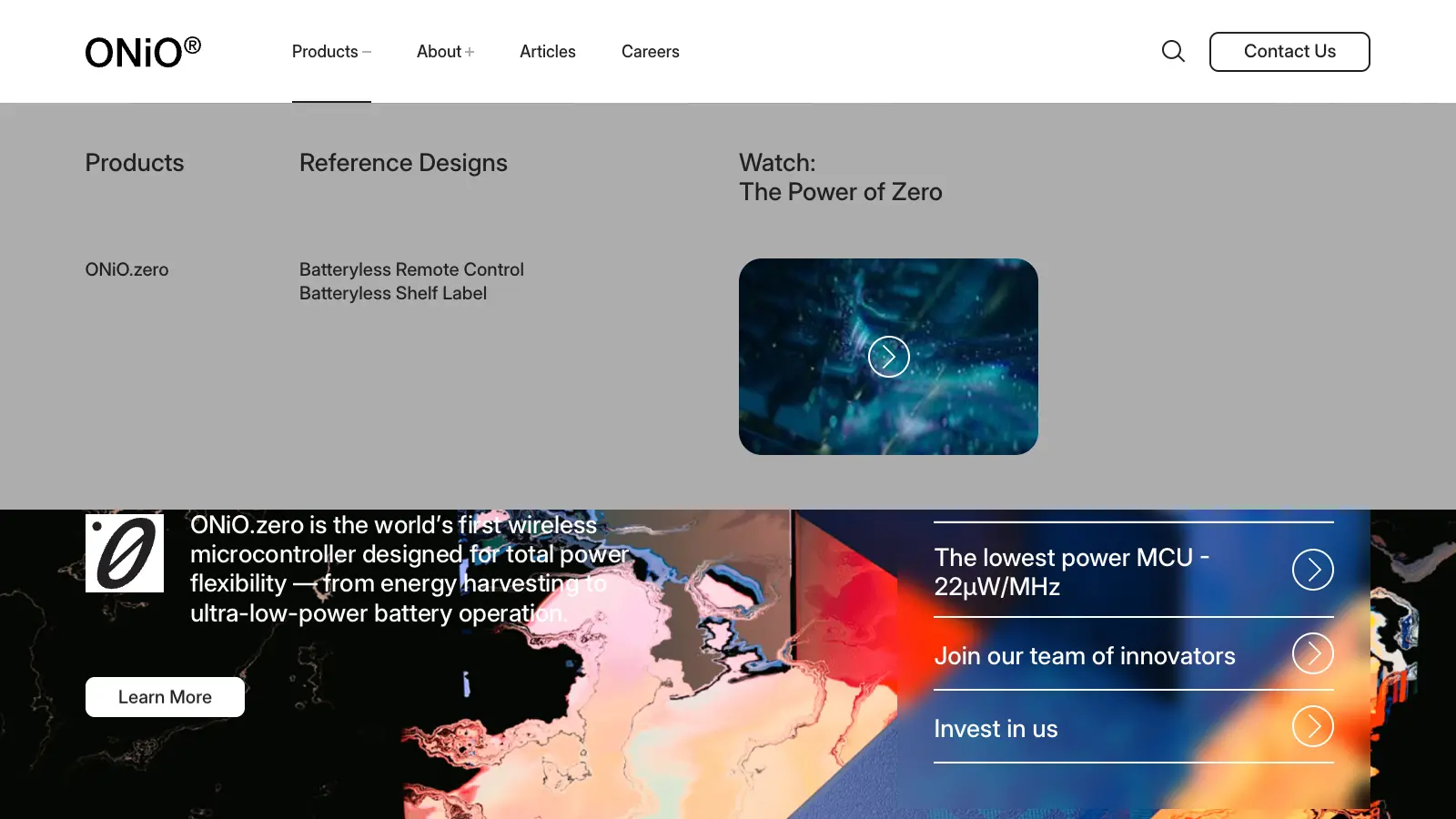
ONiO builds microcontrollers that run on the energy around them. ONiO.zero, in the company’s words, is “the world’s first wireless microcontroller designed for total power flexibility — from energy harvesting to ultra-low-power battery operation.”
That is an invisible idea, so the page had to do the showing: bold colour, a clear sentence at a time, and diagrams that move exactly when you reach them.
03 — The brief
01
01
GSAP-driven animation that feels effortless: reveals that arrive with the reading, never ahead of it.
02
A pixel-perfect build of the design in React and Next.js, section by section.
03
Optimised for speed, efficiency and seamless interaction, so the animation never costs the reader a frame.
04 — First encounter
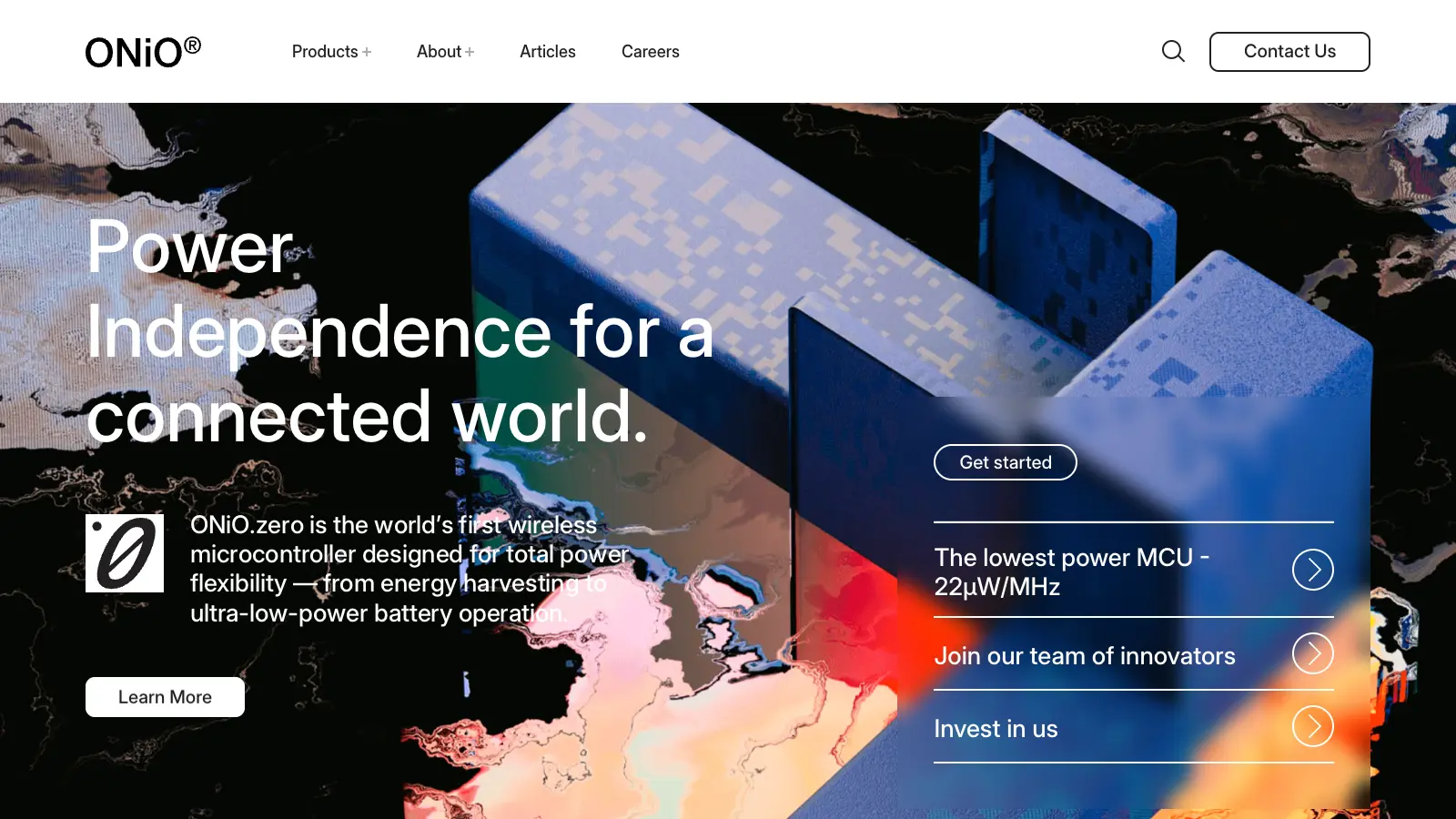
The first screen
01 — First impression
One sentence, one render, one way in.
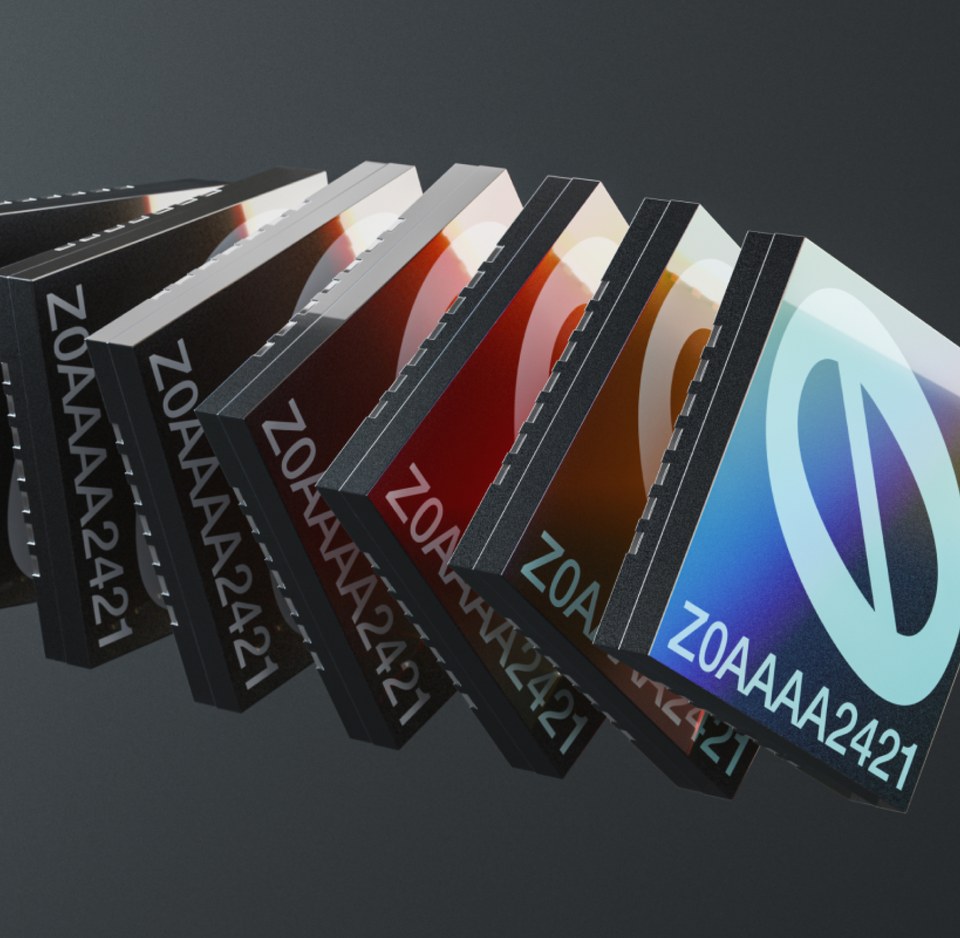
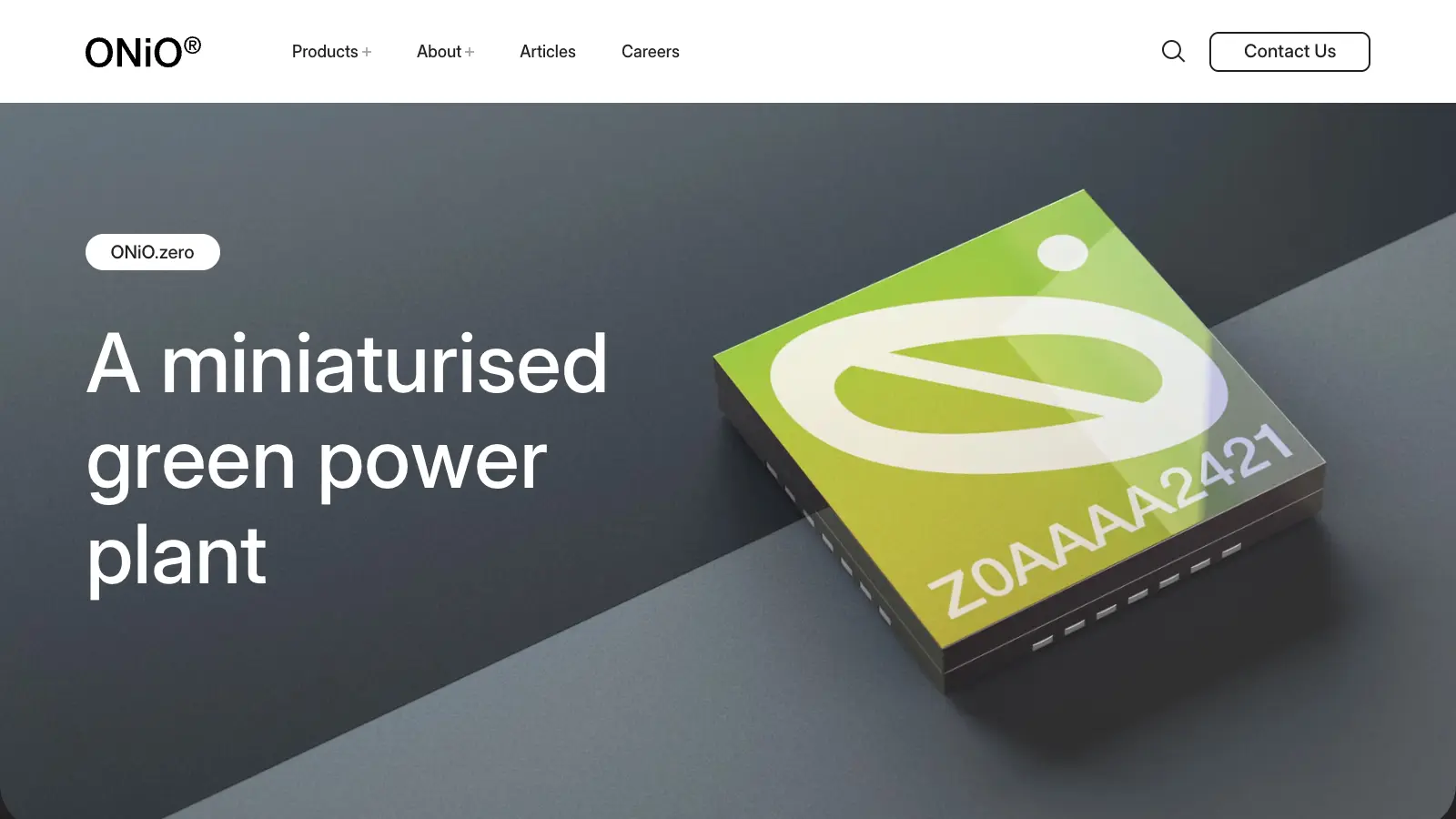
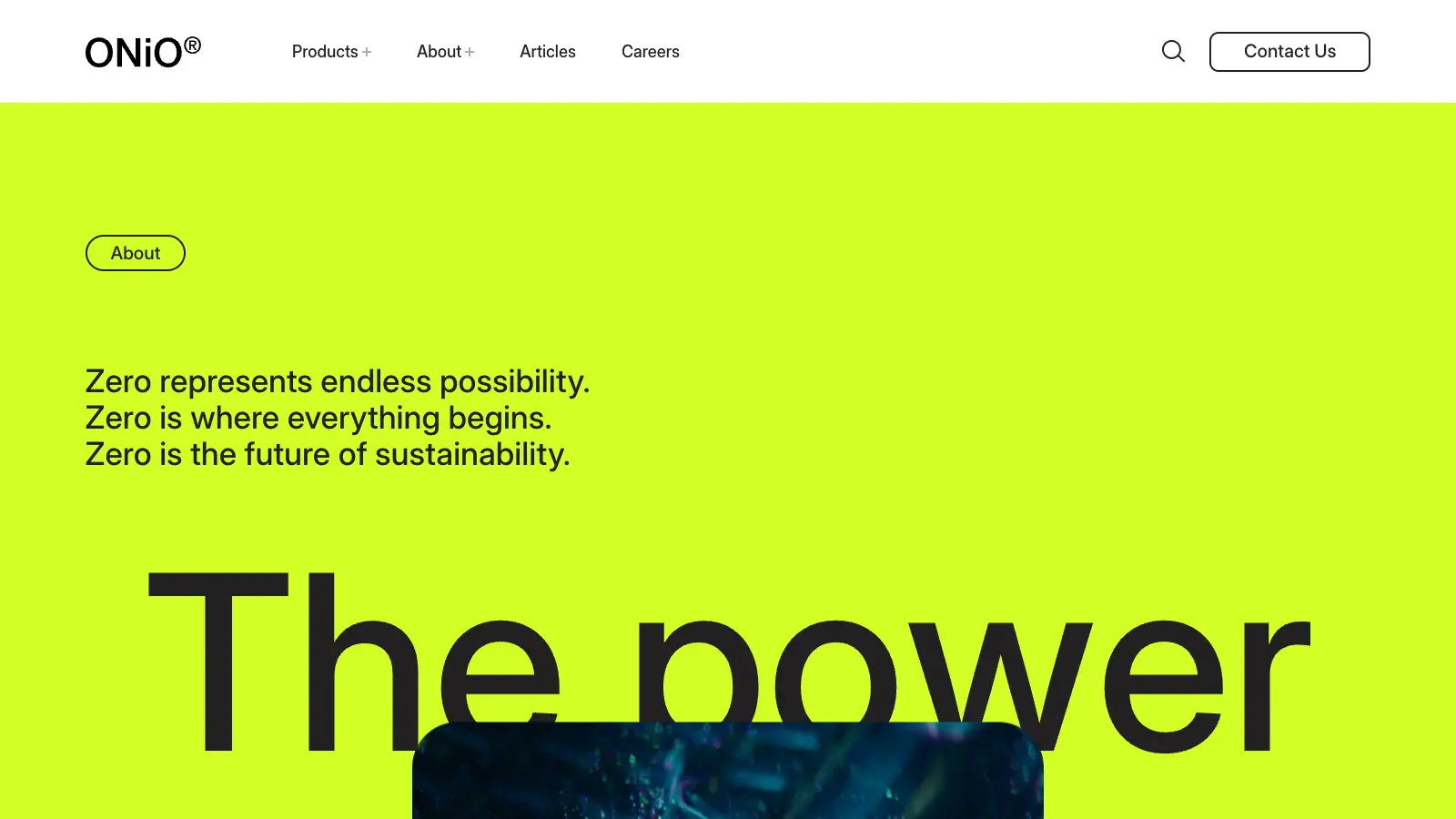
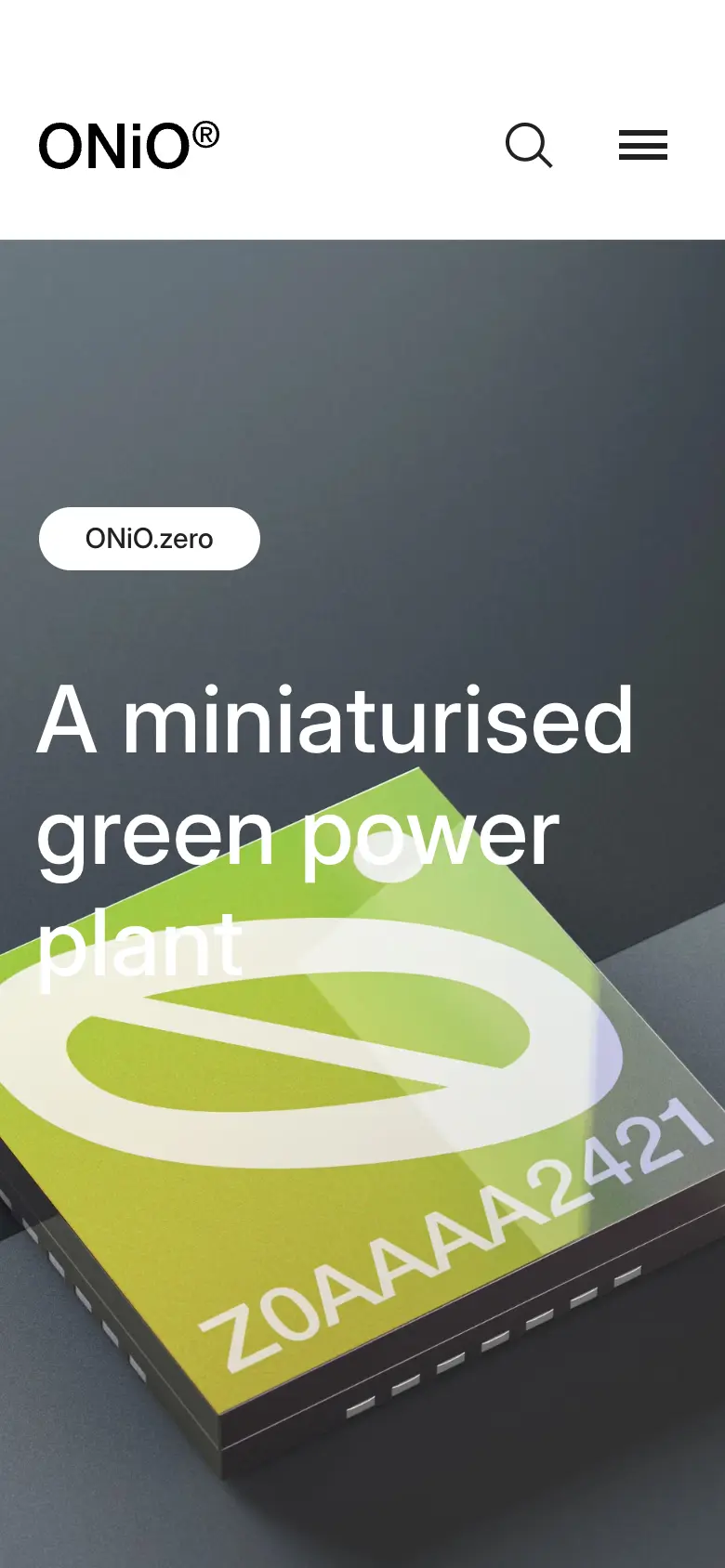
The headline is split into characters and rises with a slight tilt — each letter moves from 100% below with a 70° rotation, one second, power3.out, a 0.02 s stagger. Behind it a rendered chip sits in a glitched, liquid field.
05 — The idea
Creative logic
Rather than wiring each section by hand, an element says how it should arrive with a class — chars, lines, fade, image or mask — and one controller does the rest.
The page reads like a document first, and animates like a film second.
01 — Declare
A class on the element names its grammar: js-animation--chars, --lines, --fade, --image, --mask.
02 — Hold
Until the controller is ready the element waits in its from-state, so nothing flashes.
03 — Enter
An IntersectionObserver with a 500px lead fires the reveal after a 300 ms pause.
04 — Settle
The element is marked complete and its inline styles are cleared.
06 — Motion system
Values from the bundle
07 — Inside the build
One page, five systems
Layer 00 — Surface
Move across the plate to X-ray it
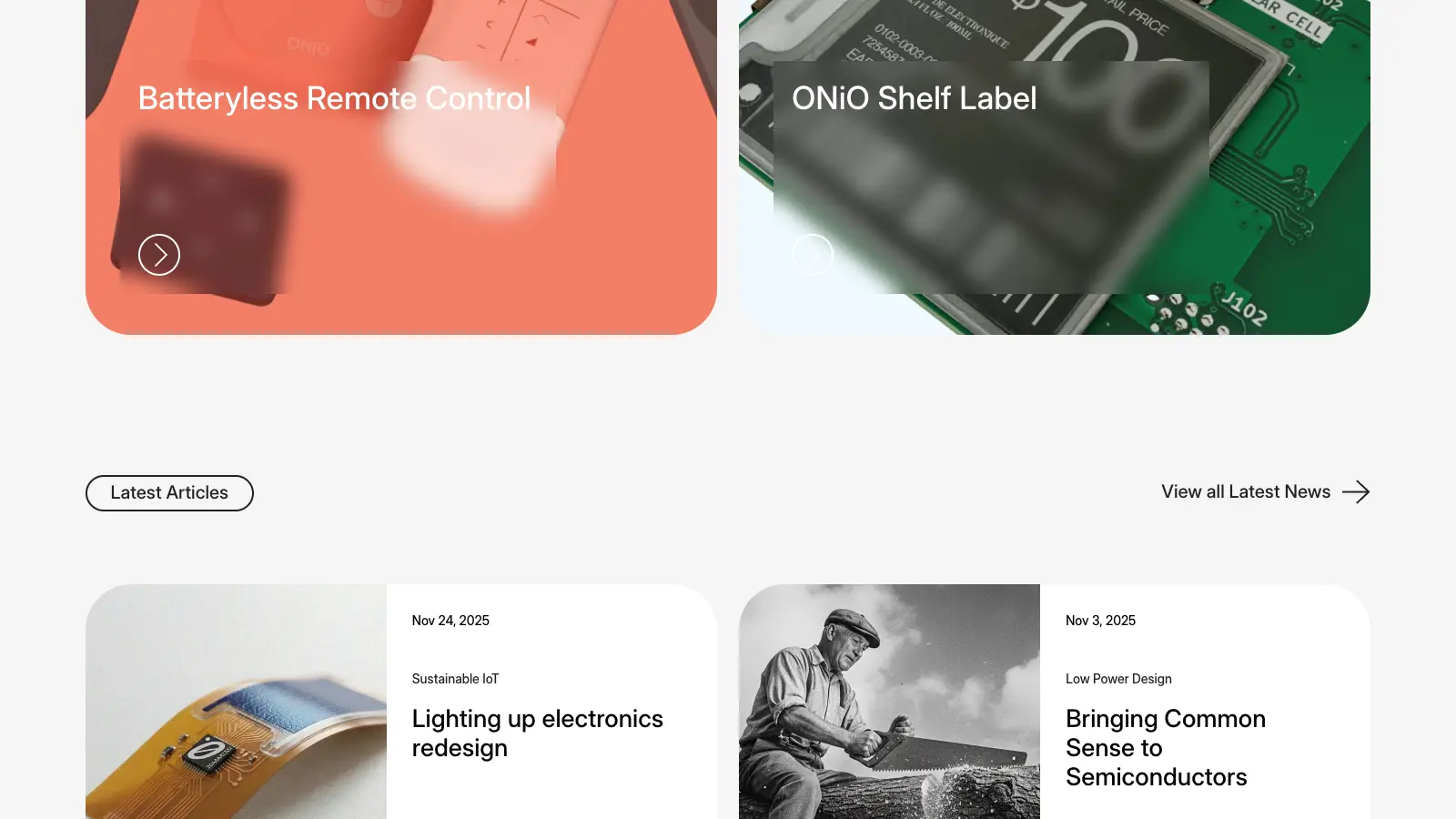
Full-width colour sections — lime, orange, grey — with rounded edges. One typeface, set large.
A single controller reads the class hooks and plays each reveal once, in view, on GSAP.
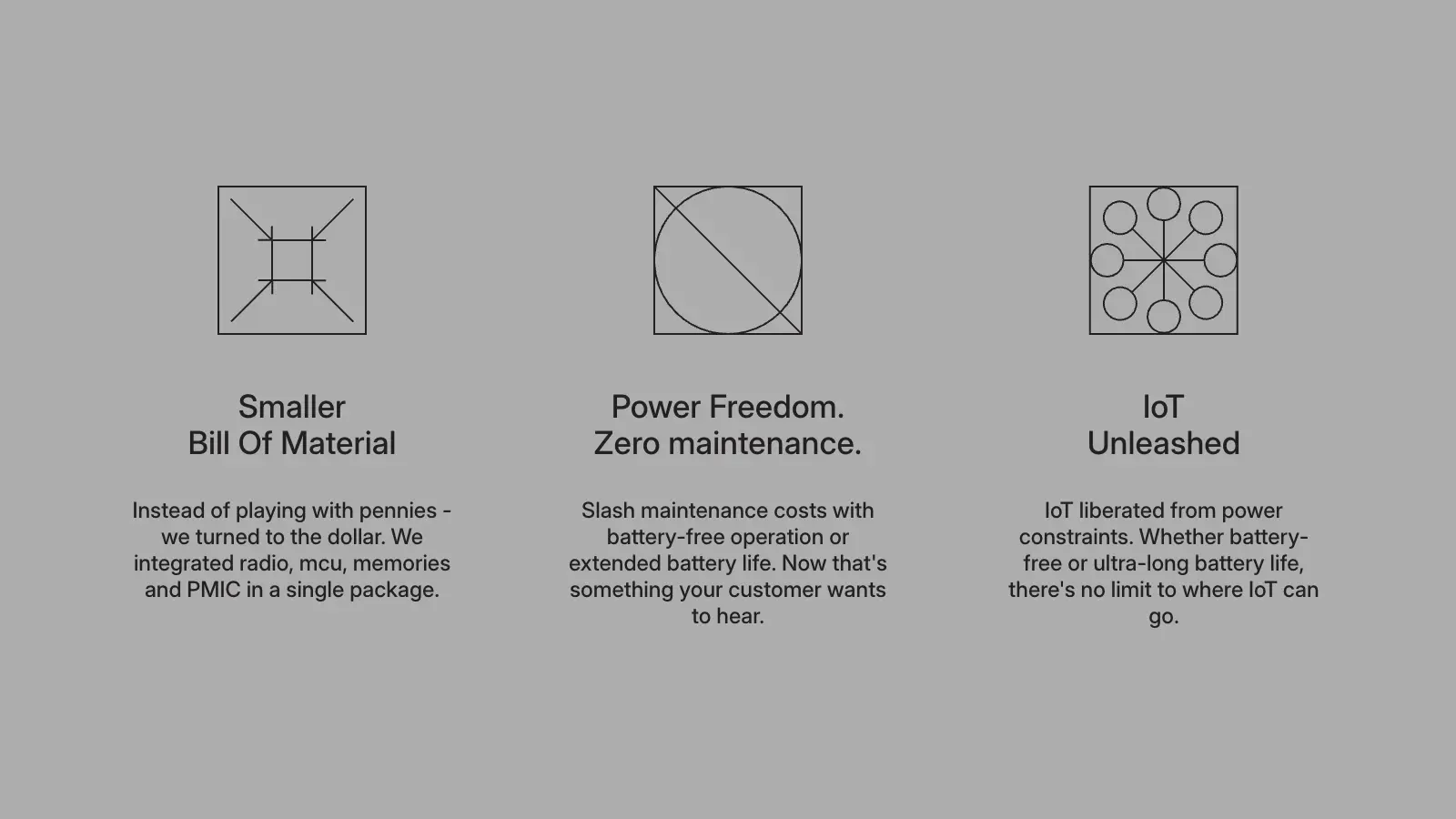
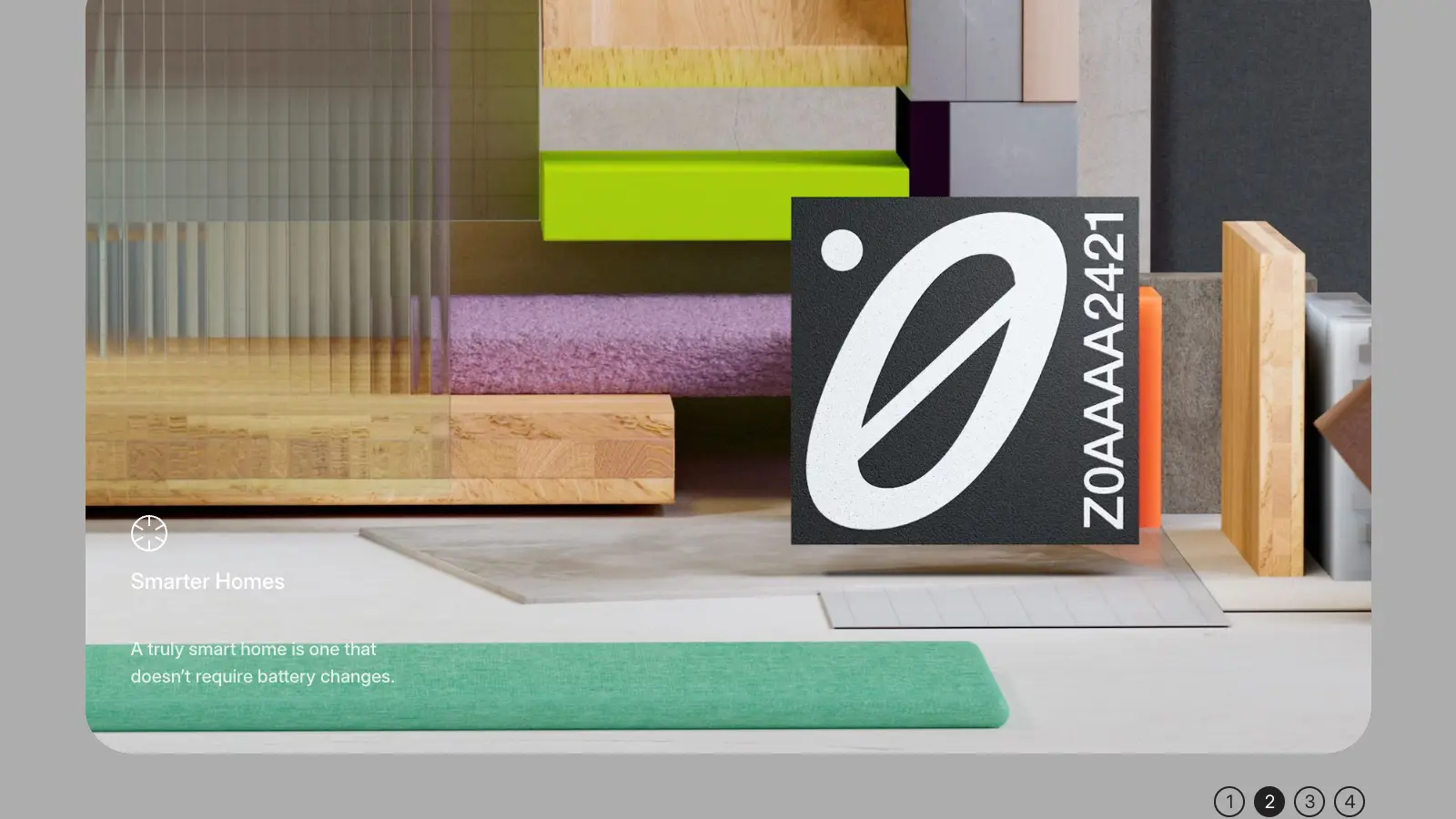
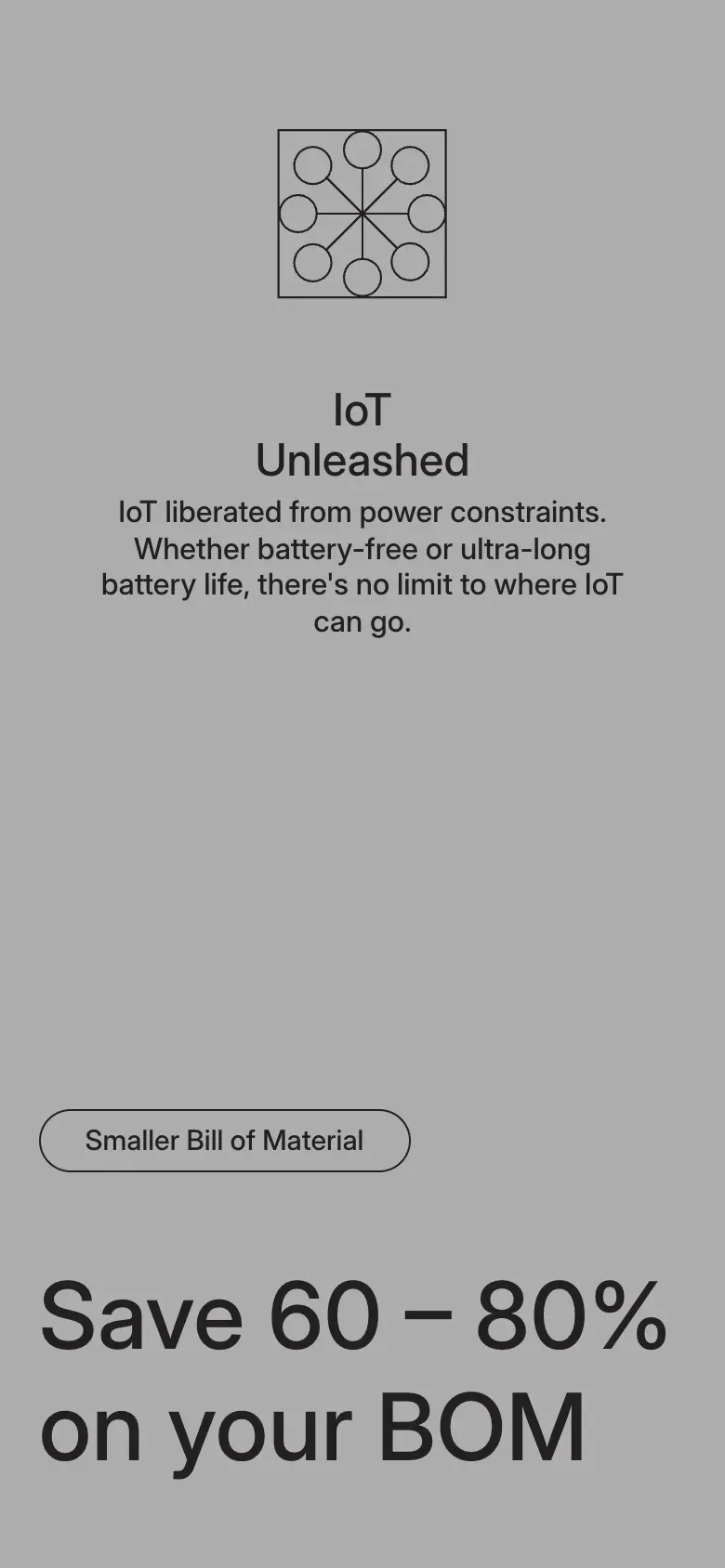
The three benefit icons are Lottie animations: loaded on demand, rendered as SVG, played once and held on their last frame.
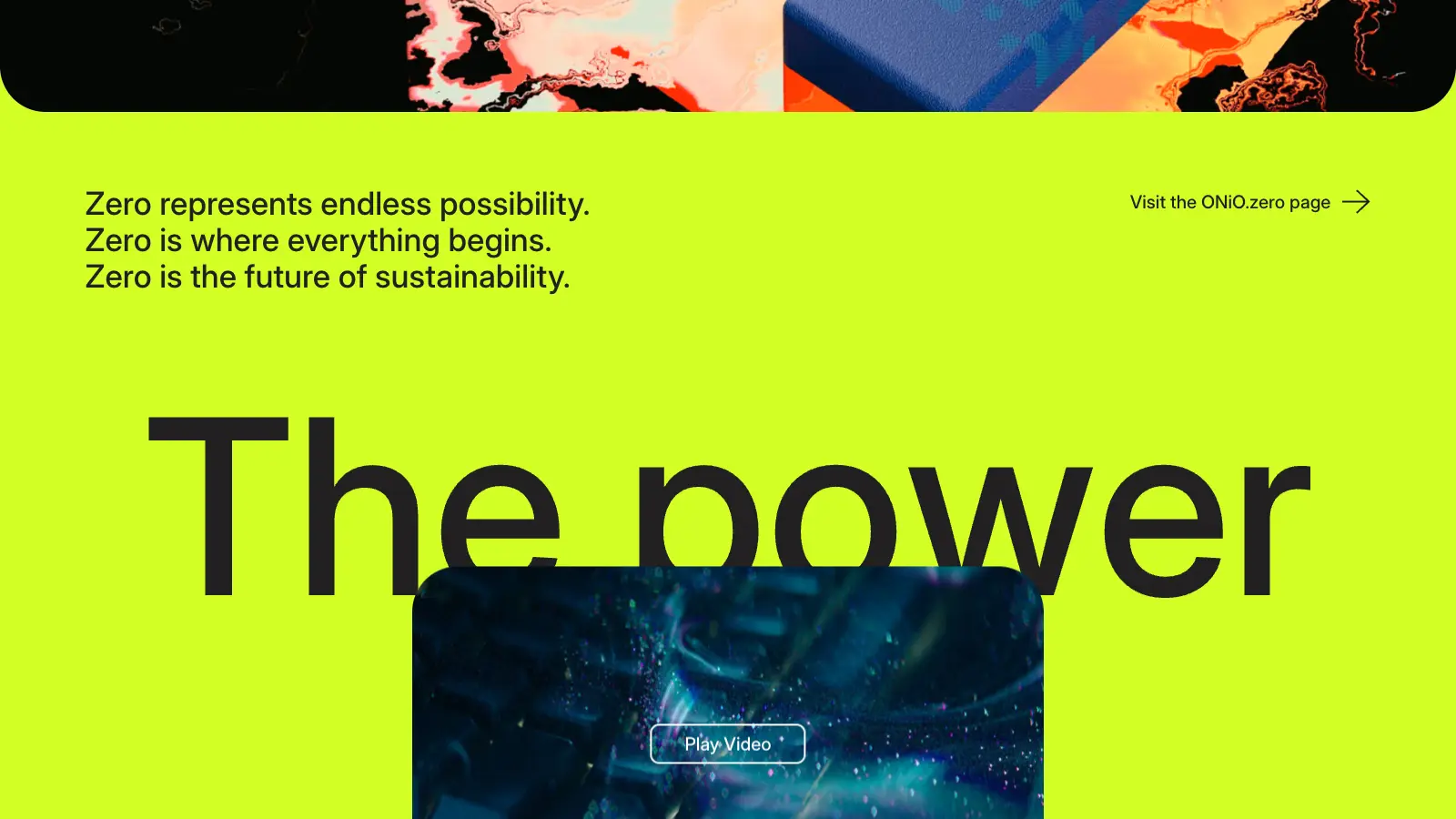
Stills and animation files come from the Sanity CDN. The product film isn’t on the page until you press Play Video: only then is a full-screen popup built around a privacy-enhanced YouTube embed.
Home, power, bill-of-materials and article sections arrive as page props from Sanity, so the marketing team edits them without a release.
08 — Signature interaction
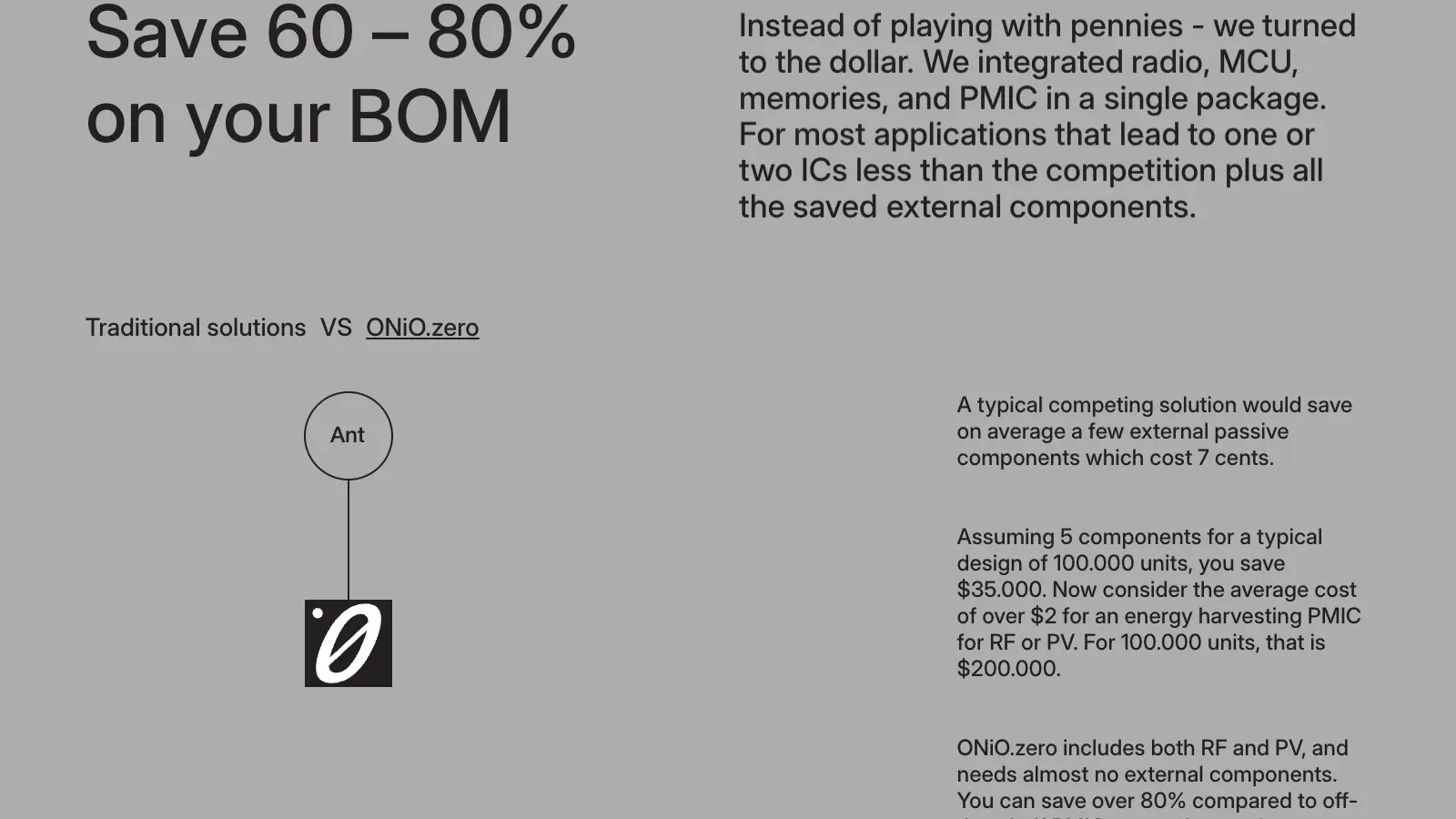
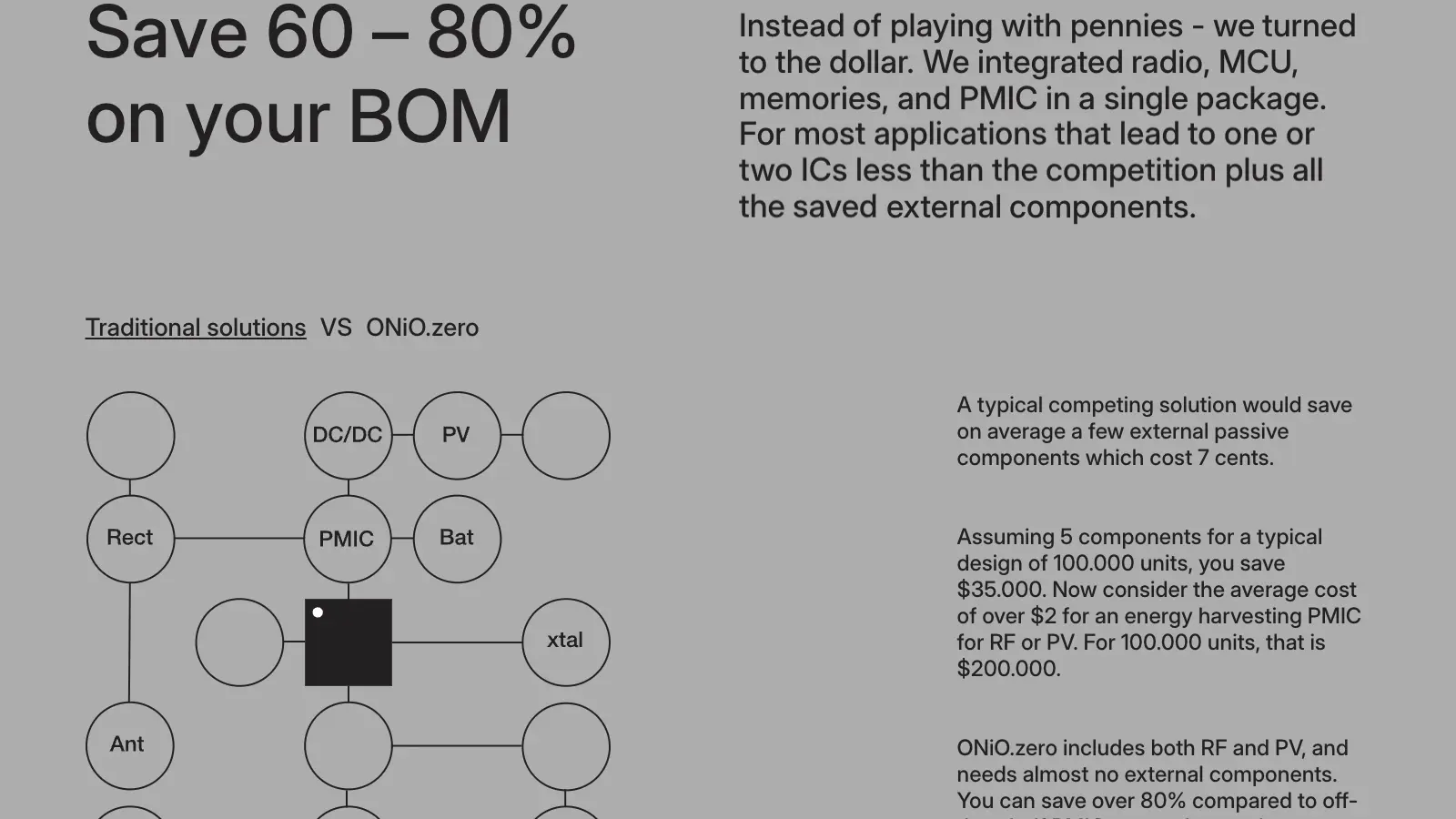
Traditional vs ONiO.zero
The bill-of-materials argument is a tab pair: “Traditional solutions VS ONiO.zero”. When the block enters view it starts alternating on its own every four seconds, so the difference is shown before it is read. A click takes over and stops the loop.
Traditional solutions
ONiO.zero
09 — Responsive
Recomposed, not scaled
Desktop — headline, chip render and the three quick links sit on one screen.
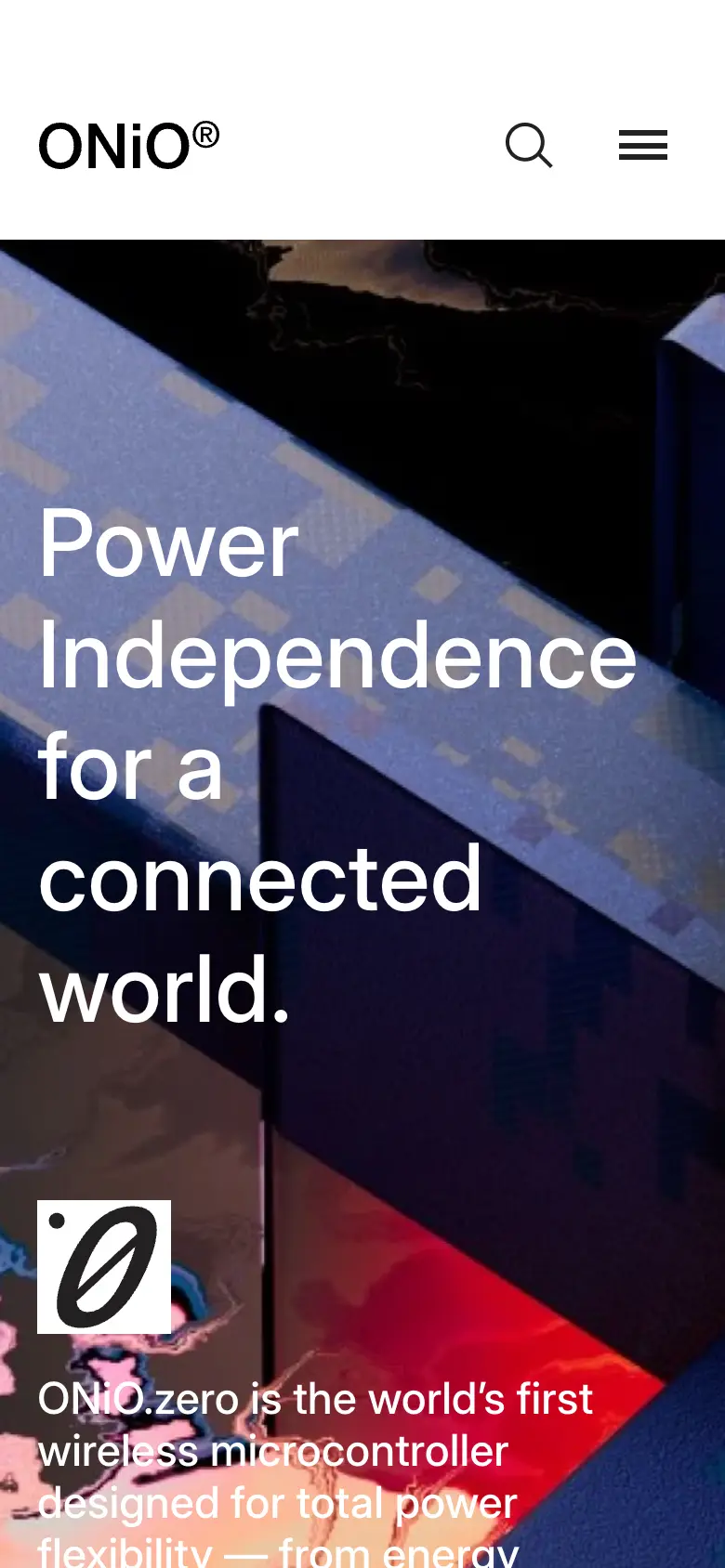
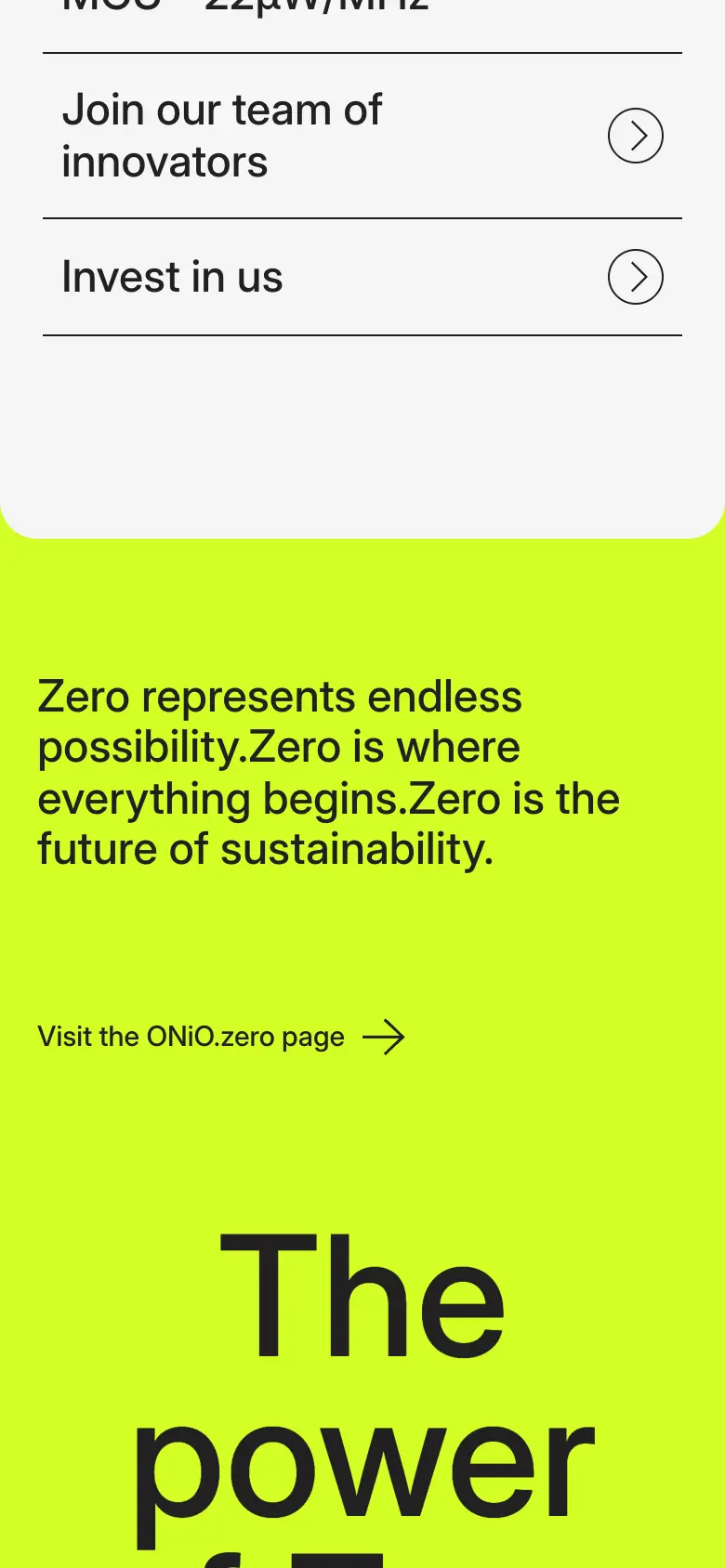
The hero renders a separate headline for small screens.
The VS between the two tabs becomes a slash on small screens.
Two-column copy and diagrams fall into one column.
The tab pair stays tappable and keeps its auto-alternate.
10 — Performance
Decisions, not dashboards
No lab scores are shown here — none were measured for this page, so none are claimed. What follows are decisions that can be read in the shipped code.
Each reveal waits for an IntersectionObserver with a 500px lead, then disconnects once played.
The player is a separate chunk, imported only when an animation is on the page.
Lottie icons don’t loop: they play and hold on their last frame.
No video element and no film request exist until Play Video is pressed; the embed is created on click.
The controller drives the DOM directly with GSAP, so a reveal doesn’t pass through component state.
11 — CMS
Entry ↔ live
Every section on the home page is Sanity content: titles with line breaks, benefit copy, the bill-of-materials diagrams, the animation files and the article list.
Content types
Covers
12 — The result
Shipped
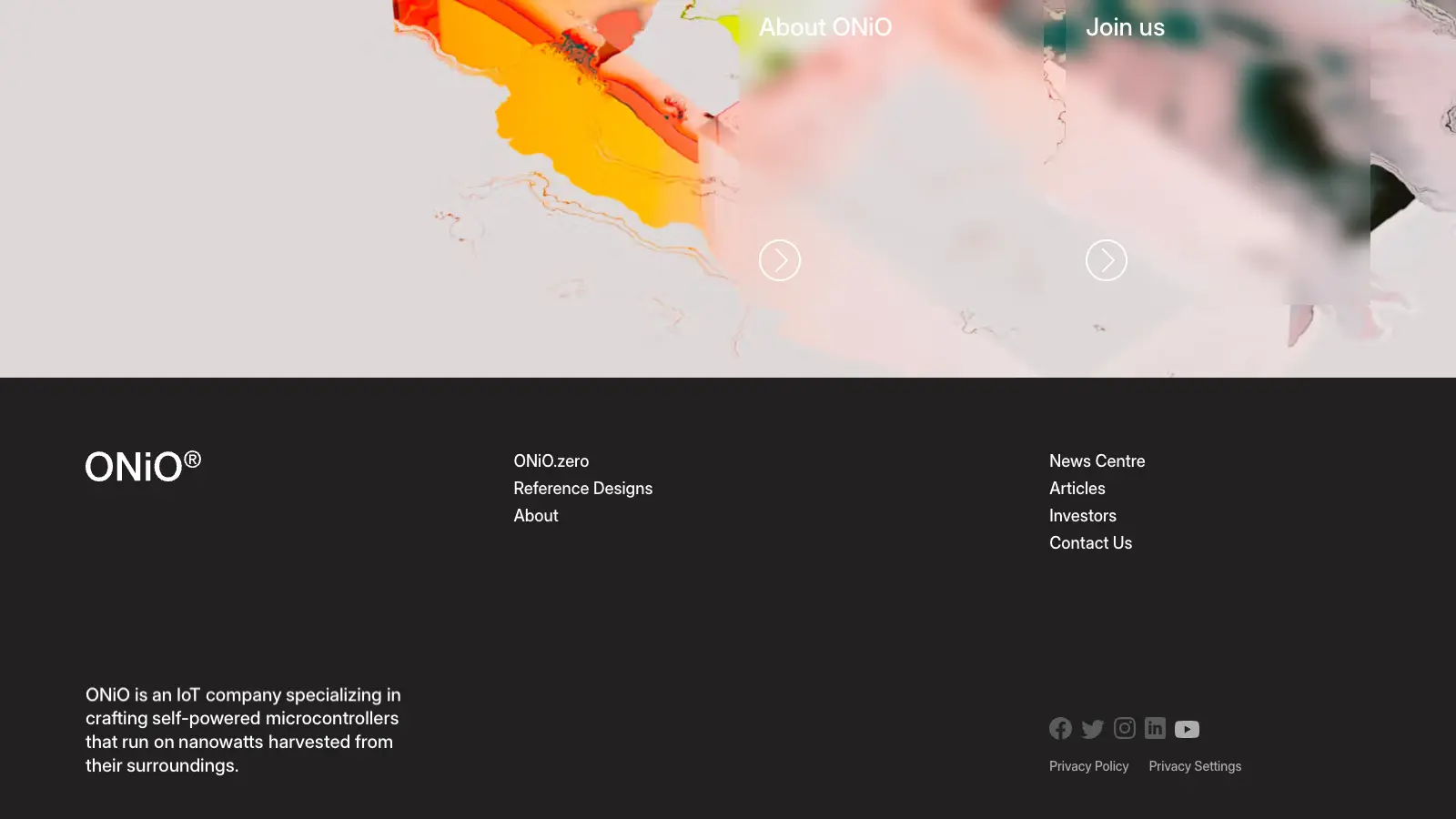
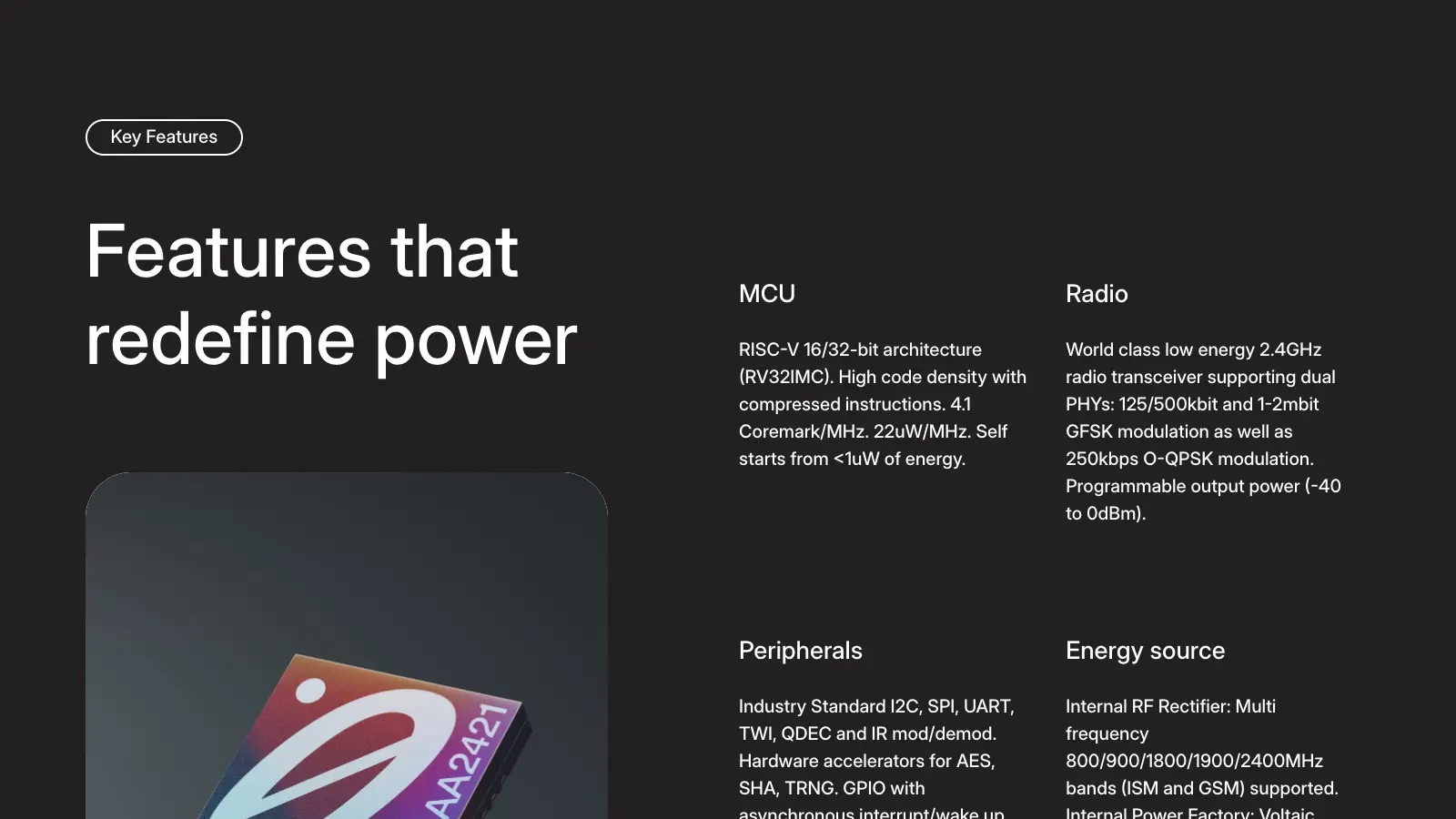
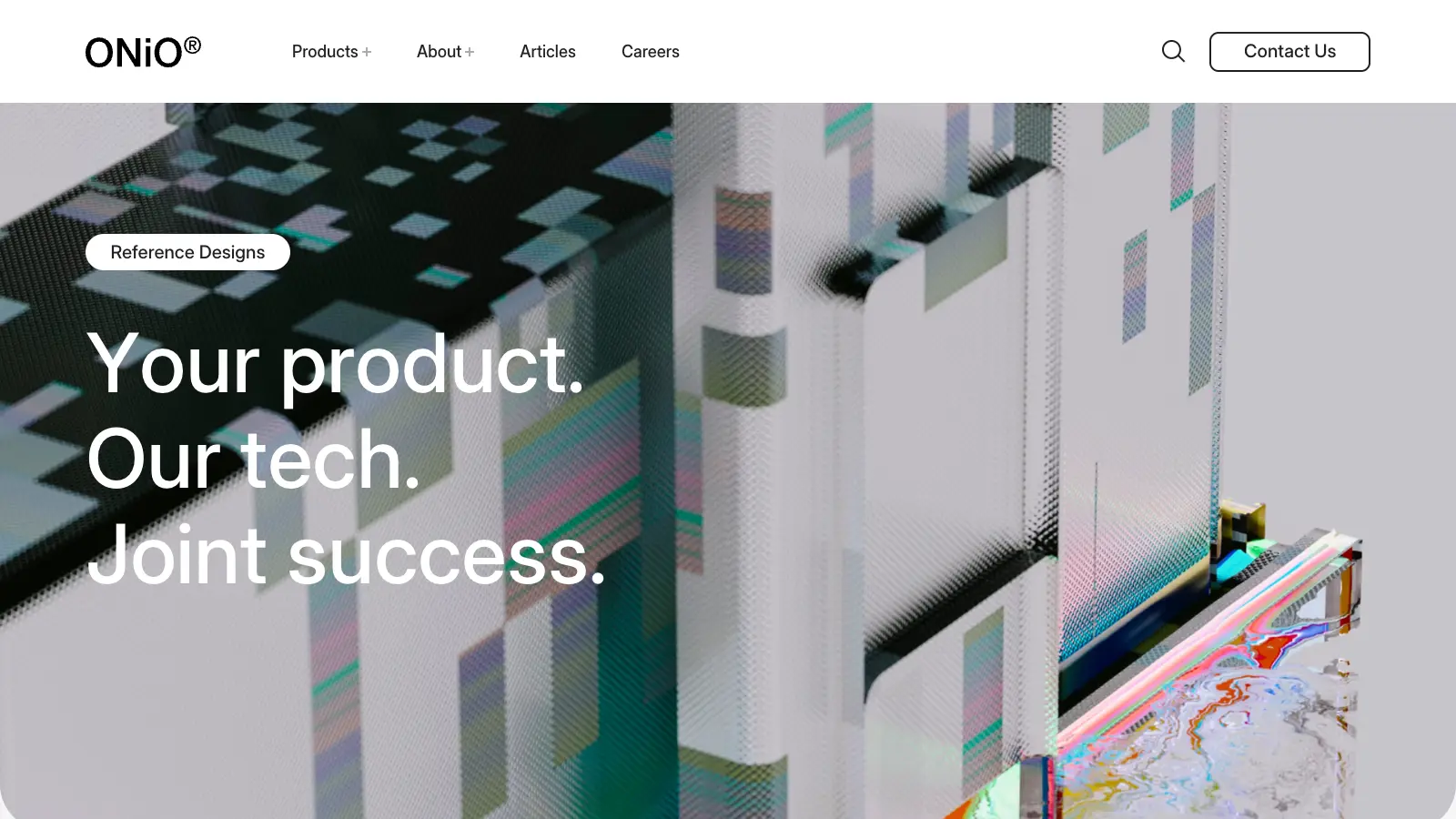
The site, screen by screen
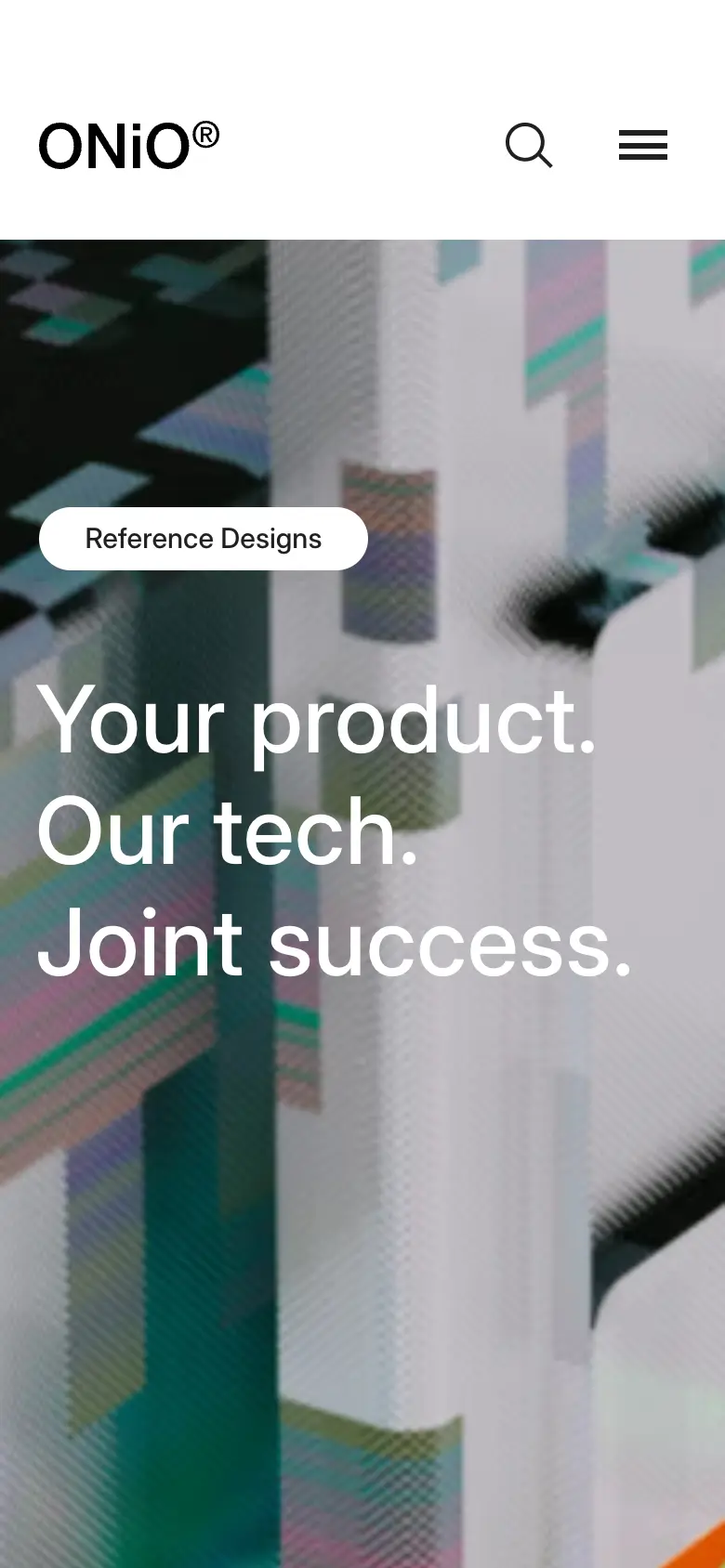
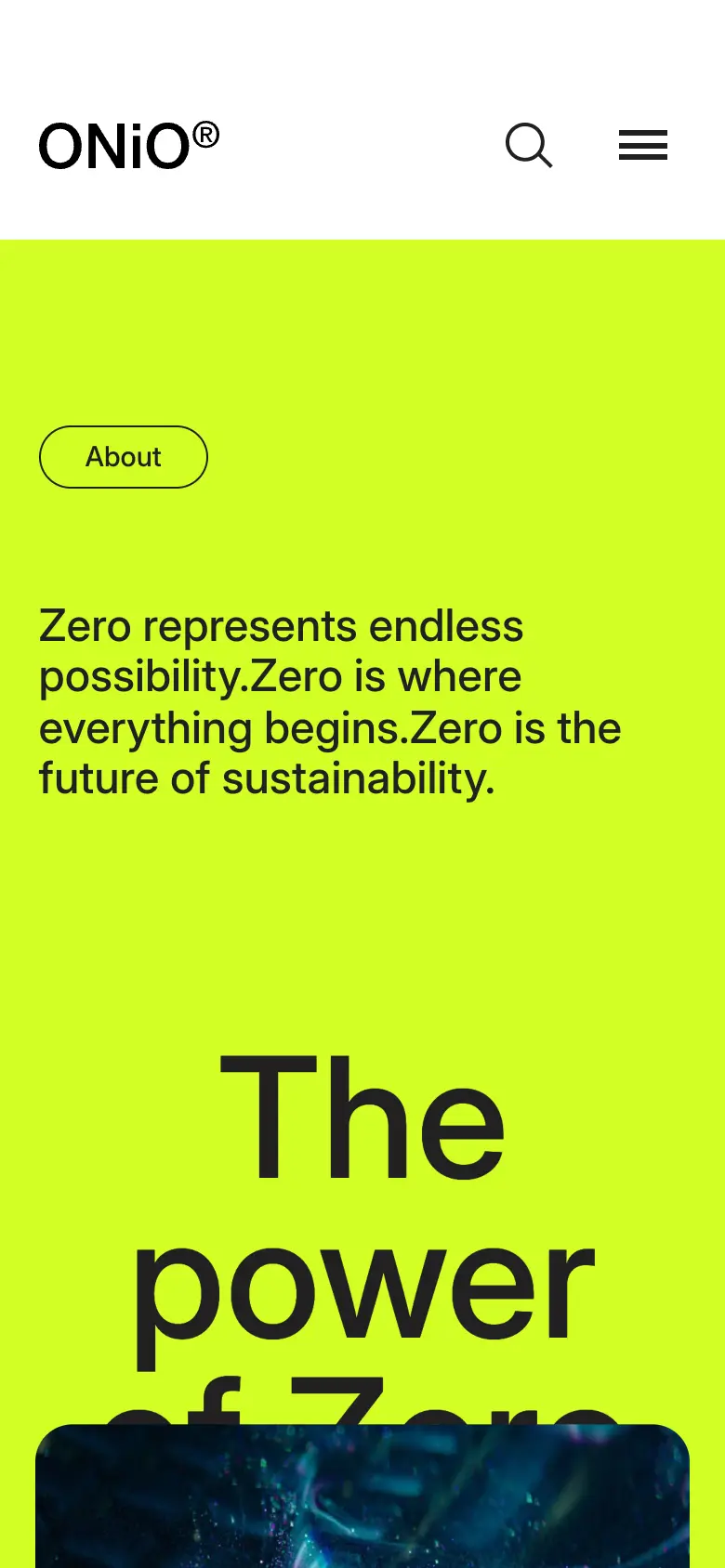
And on a phone
13 — Built together
Who did what
14 — My role
Exact responsibilities
HTML, CSS and JavaScript in React and Next.js.
Fluid, high-performance animation across the page.
The design built section by section.
Tuned for speed, efficiency and seamless interaction.
15 — Technical index
Hover a technology
Recorded on the live site
Three moments, in motion
16 — Final experience
onio.comNext / 11
A photography portfolio built as an experience, not a gallery.
Photography · 2023
18 — Start
Studios · brands · founders