Image displacement
Pattern 01 — From Another · 2026

WebGL / Three.js / 001 — the rendering layer
Three.js, React Three Fiber and GLSL for digital experiences where real-time rendering actually adds something.
The plane above is live. Step through what the renderer adds to a picture — or move across it to X-ray the build.
DOM image. A plain <img>: sharp, accessible, free. For a still picture, the DOM wins.
Displacement. Rows of pixels shifted in the fragment shader as one image hands over to the next.
Depth. The same flat quad, ray-cast as a curved surface in perspective.
Shader. The pixels re-drawn as a blueprint: grid, curves, a mesh read from the image.
Image. And back to the picture, untouched. On this device you get the static plate — tap X-ray.
02 — When WebGL makes sense
05 cases
A canvas costs memory, battery and accessibility work. It is worth that cost when the idea genuinely needs real-time rendering.
Interactive 3D product experiences.
CSS can’t — light a surface or turn a real mesh in the hand.Displacement, distortion and transition effects.
CSS can’t — move pixels inside an image.Camera-driven scenes and spatial storytelling.
CSS can’t — put a camera inside a scene.Transformation, decomposition and simulation.
CSS can’t — move thousands of points every frame.Scroll-controlled visual sequences.
CSS can’t — render a scene per scroll position.03 — When it doesn’t
DOM / WebGL split
The best WebGL implementation knows where to stop.
Needs focus states, real links and a screen reader. A canvas has none of that.
Selectable, translatable, indexable and sharp at every size.
Edited in the CMS; the layout reflows by itself.
Light, rotation and material that only a renderer can compute.
Pixels moving inside images, beyond anything CSS can blend.
On From Another the rule was WebGL for the hero moments, DOM for everything else — and the canvas mounts only when its section is on screen.
This page — measuring…
04 — Show the work
03 patterns · all live
Each one solves a different rendering problem — and each one ships to real visitors, not a demo reel.
Pattern 01 — From Another · 2026
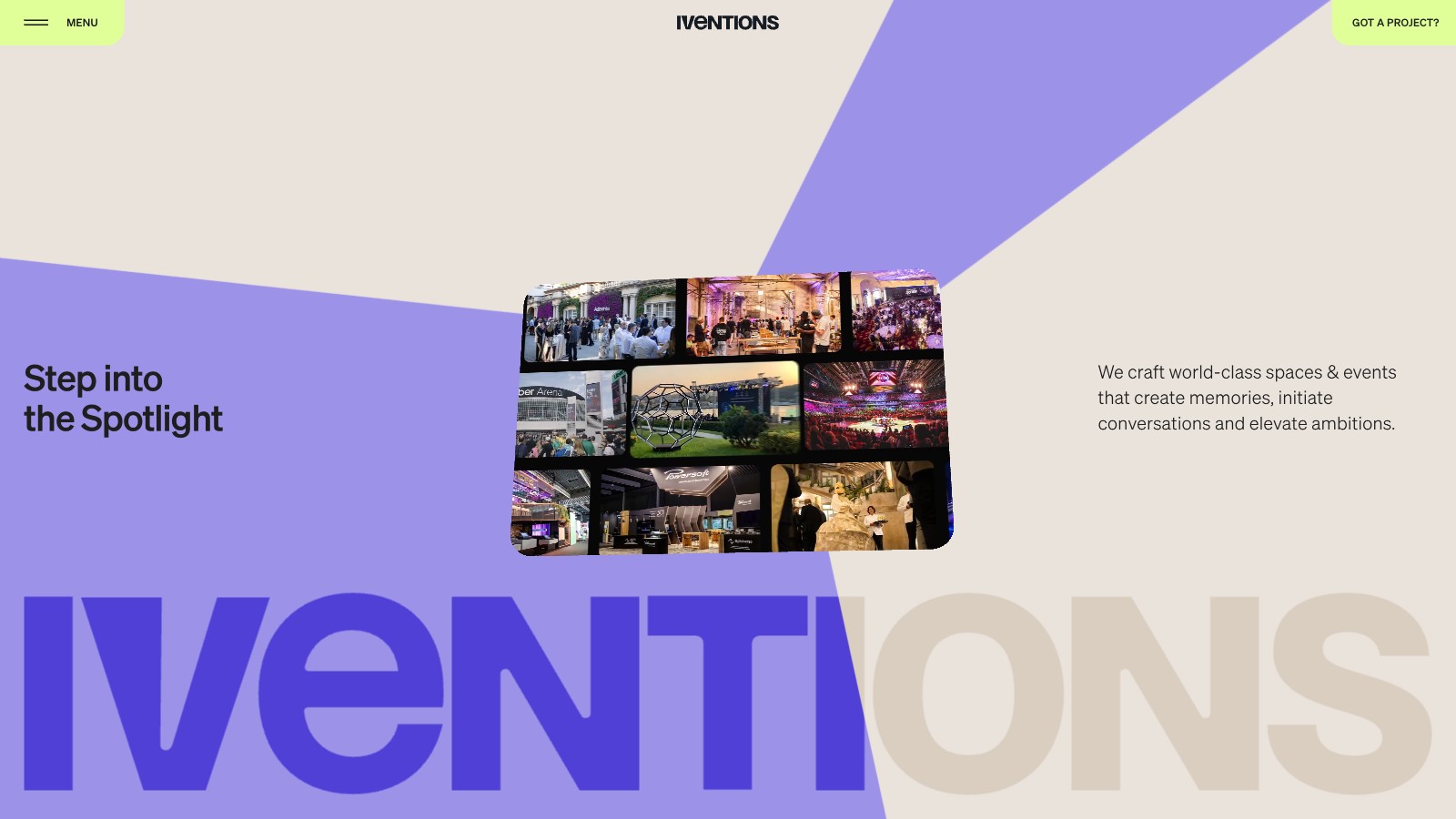
Pattern 02 — Iventions · 2025
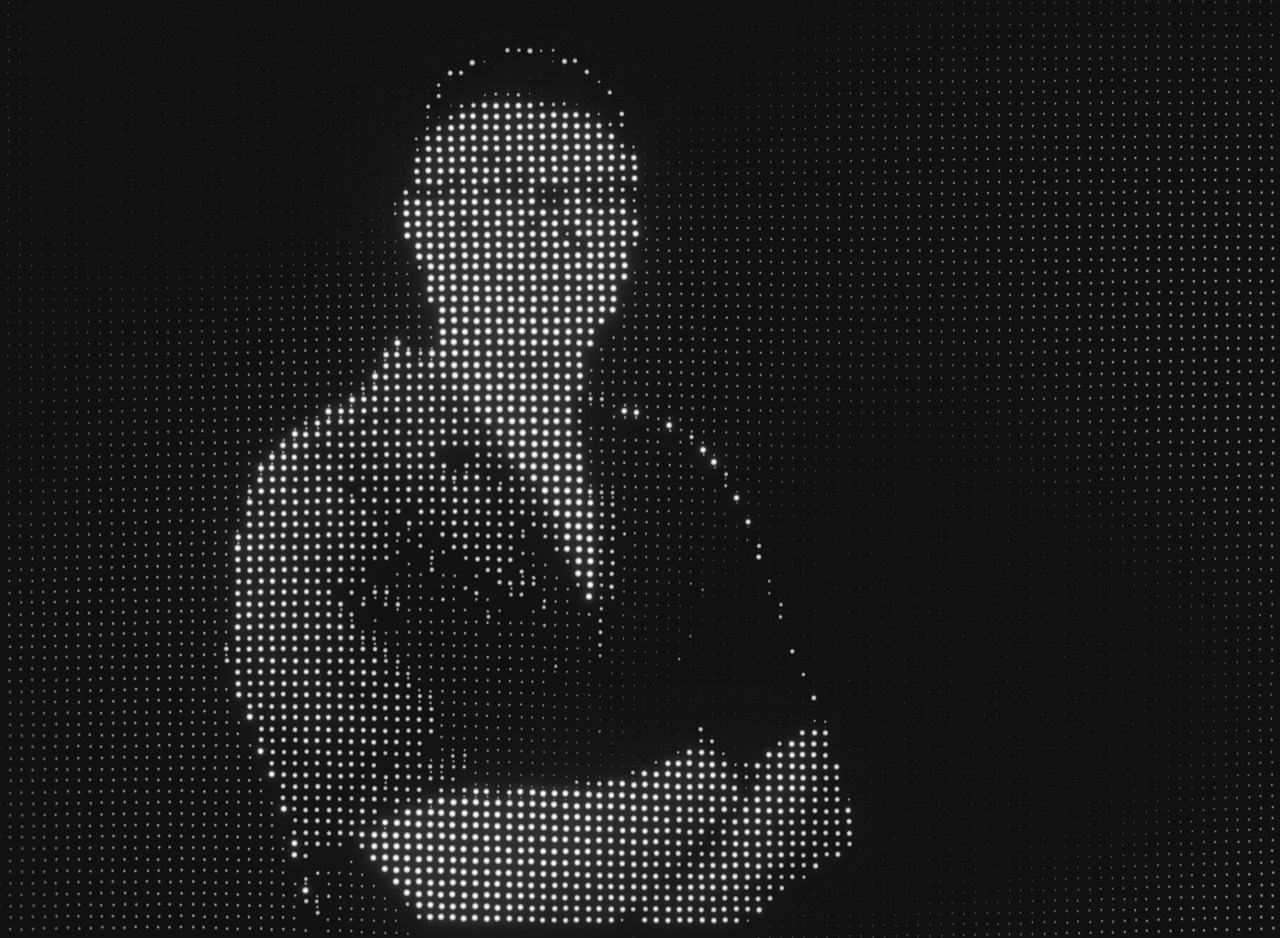
Pattern 03 — hontran.dev · live
05 — Anatomy of a WebGL build
The plane at the top of this page
The production work is everything around it.
One full-screen quad in its own WebGL2 context — nothing else to draw.
No camera object: perspective is ray-cast per pixel, with a focal length taken from the viewport.
The curve is maths, not a mesh — a cylinder intersection computed in the fragment shader.
A brushed-metal frame, lit from the pointer, computed per pixel.
Three project images, uploaded once with mipmaps; anisotropic filtering where the GPU has it.
One fragment program: transitions, blueprint passes and the X-ray lens.
Grain and the scan band live in the same pass — no extra render targets.
Headline, copy, buttons, the stage rail and an <img> for screen readers stay in the DOM.
06 — Performance
Measured on this page, never benchmarked
Every effect is paid for in pixels, memory and battery. The numbers in blue are read from your browser right now.
Shaded pixels grow with the square of the pixel ratio.
Capped at 2 on high tier, 1.5 on mid; drops by half a step when frames run slow.
—
Every image sits in GPU memory at full size, plus mipmaps.
Three images, uploaded once, reused for every transition.
—
Each call is CPU-to-GPU overhead, every frame.
One call per plane per frame.
—
Vertices cost before a single pixel is drawn.
Four vertices; the curve is solved per pixel instead of modelled.
—
Decoding and re-uploading video each frame is the heaviest texture there is.
None on this page — stills only. On builds that need it: poster first, paused offscreen.
—
Contexts and textures leak when nothing disposes them.
Released on dispose; a lost context falls back to the static plate by itself.
—
An idle canvas still burns power.
The loop pauses offscreen and in hidden tabs; reduced motion renders only on change.
—
High tier · capable GPU
Mid tier · fewer cores or less memory
Phones, software GPUs, data saver
07 — Mobile fallback
Same idea · less cost
A specialist does not run heavy WebGL everywhere by default. The fallback is designed, not whatever is left when the canvas fails.
You’re looking at the fallback now
Fewer passes, lower resolution, the same look.
The desktop render, pre-recorded as a light loop with a poster.
Key frames of the effect, revealed with scroll.
An image, a CSS scan band and a tap toggle — this page on a phone. The hontran.dev dot field goes further: desktop only.
Phones get the idea, not the bill.
08 — WebGL services
Capability index
09 — Engagement models
Who owns what
01
02
03
10 — Tech index
After the proof, not before it
It is not the story.
This pageNot used — one quad doesn’t need a scene graph. Iventions does.
This pageNot used here. The default when a React site needs a real scene.
This pageThe plane’s fragment shader.
This pageWebGL2, in its own context.
This pageEvery tween, and the one clock that drives scroll and render.
This pageThe production site. This page is rendered by it.
This pageNot needed — no models here. On product work, the part that decides load time.
11 — Related knowledge
From the notes
12 — Start
Concept, storyboard or Figma
Send the idea, the storyboard or the file. The first reply says whether it needs WebGL at all — and what it will cost the GPU if it does.